> For the complete documentation index, see [llms.txt](https://anymind-group.gitbook.io/anylogi/llms.txt). Markdown versions of documentation pages are available by appending `.md` to page URLs; this page is available as [Markdown](https://anymind-group.gitbook.io/anylogi/label/onboarding/courier-setting.md).
# ステップ 4. 配送サービスを連携する
ご利用いただく予定の配送サービスを事前に設定していただきます。下記手順に従い設定してください。
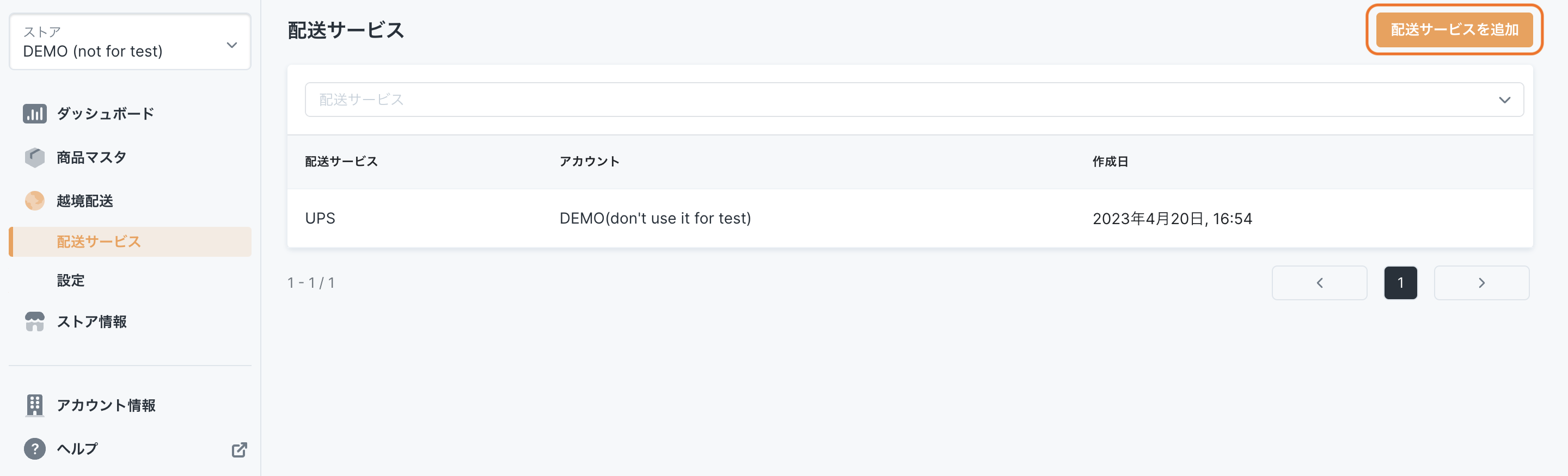
## ①「配送サービス」ページを開く
## ②「配送サービスを追加」ボタンをクリックする
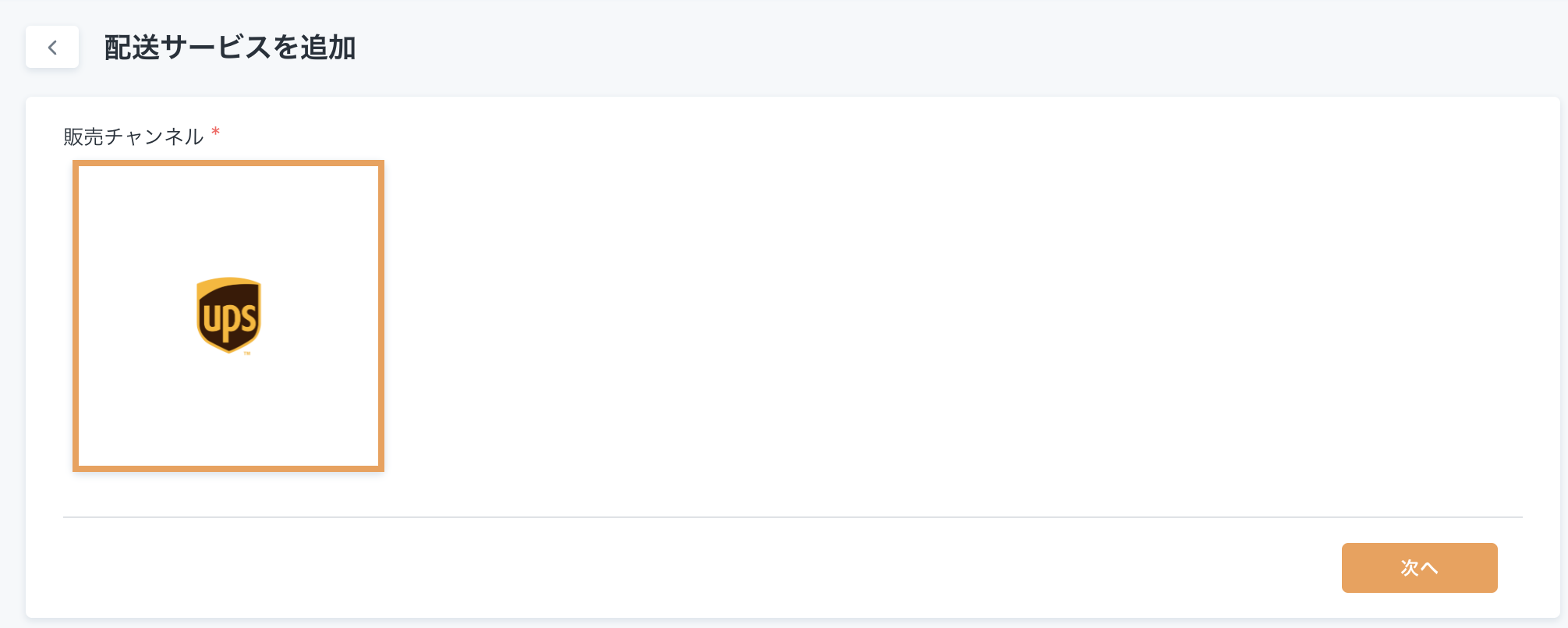
## ③使用したい配送サービスを選択する
## ④各配送サービスごとに必要な設定を行う
#### 各配送サービスごとの詳しい設定方法
* [UPS](/anylogi/label/add/courier/ups.md)
* [DHL](/anylogi/label/add/courier/dhl.md)
* [日本郵便 ](/anylogi/label/add/courier/japanpost.md)
* FedEx (準備中)